Nigehban Card PIN 2026 – Step‑by‑Step Method to Activate Rs. 10,000 ATM Access
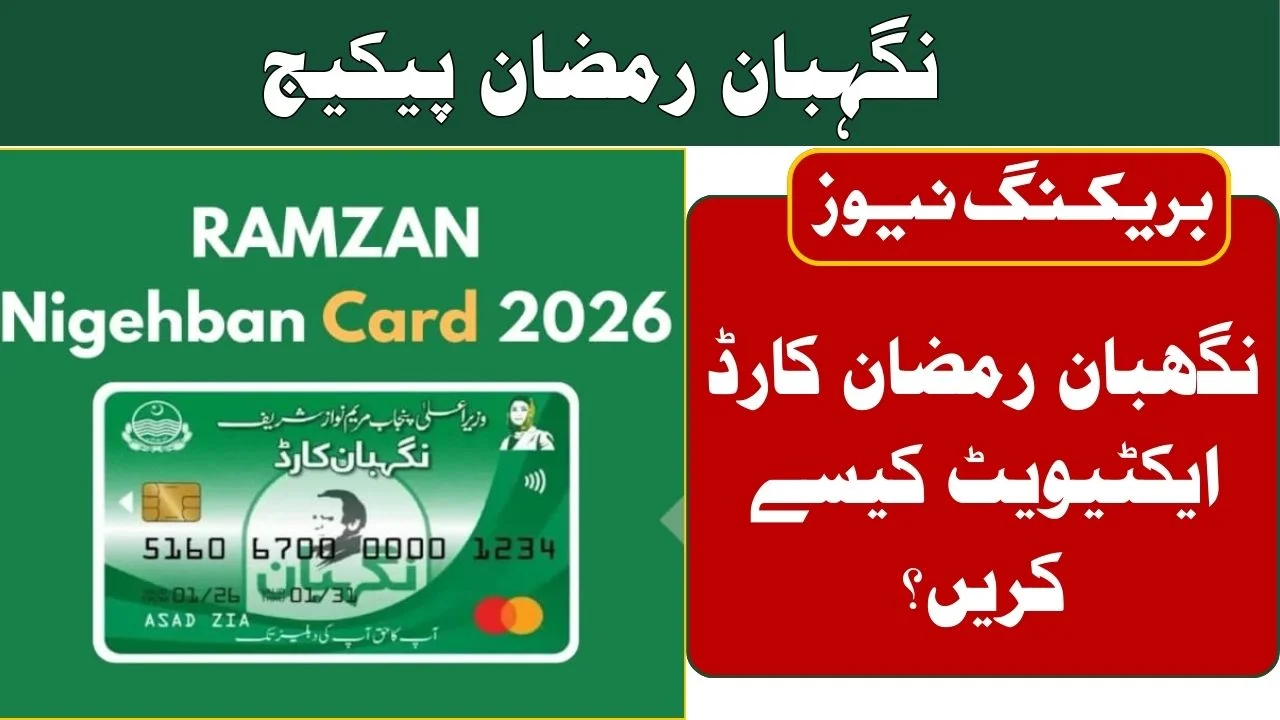
Nigehban Card PIN 2026
The Nigehban Card PIN is your key to accessing the Rs. 10,000 support provided under the 2026 Ramzan Nigehban Package by the Punjab government. Without this 4‑digit secret code, you cannot withdraw even a single rupee from your card at ATMs or pay with it at shops. This article explains how to generate or reset your PIN safely and easily in 2026, based on official instructions from the government portal
Also Read ; CM Punjab Green Tractor Scheme 2026
| Feature | Details |
| Scheme Name | Nigehban Ramzan Card 2026 |
| Cash Support | Rs. 10,000 per family |
| Card Issuer | Bank of Punjab (BOP) |
| PIN Requirement | 4‑digit secret code |
| Methods to Generate PIN | ATM, USSD *770#, Bank branch |
| Official SMS Code | 8070 |
| Government Helpline | 0800‑02345 |
| Activation Requirement | SIM linked to CNIC |
What Is the Nigehban Card PIN?
The Nigehban Card PIN is a private 4‑digit code that protects the money loaded on your Nigehban ATM card. This PIN ensures only you can access your cash and use the card for purchases. According to official guidance, without it you cannot make withdrawals or shop at POS machines.
Why You Must Activate Your PIN First
Before you withdraw money or use your card in any transaction:
- The PIN confirms that the card belongs to you personally.
- It keeps your Rs. 10,000 safe from misuse if the card is lost.
- Most ATMs and payment machines require a PIN to proceed.
Your PIN acts like a lock and your chosen 4 digits are the only key.
1. How to Generate Nigehban Card PIN (Step‑by‑Step)
Here’s how most beneficiaries can set up their PIN quickly:
- Go to any Bank of Punjab or 1‑Link ATM
- Insert your Nigehban Card
- Choose “PIN Generation / Change PIN” on the screen
- Enter your 13‑digit CNIC number when prompted
- Choose a 4‑digit PIN that’s easy for you to remember
- Re‑enter the PIN to confirm it
- Wait for the success message on the ATM screen ◆
This method is often the fastest and works at many ATMs across Punjab.
2. USSD Mobile Method for PIN (No ATM Needed)
If you can’t reach an ATM, you can do this from your own phone:
- Make sure your SIM card is registered in your name (CNIC linked).
- Open the dialer and type:
*770# - Choose “Nigehban Card PIN Generation.”
- Enter your CNIC number carefully
- Set a new 4‑digit PIN
- Wait for a confirmation SMS once done.
This way works anywhere you have mobile signal.
3. Visiting the Bank Branch
If the ATM or USSD method isn’t working:
- Visit the nearest Bank of Punjab branch with your original CNIC and card.
- Ask the staff to help you generate your PIN securely.
- They will verify your identity and set the PIN for you on the spot.
This option is especially useful if your PIN got blocked after too many wrong attempts.

Simple Safety Tips for Your PIN
- Never share your 4‑digit PIN with anyone.
- Avoid easy PINs like 1234, repeated digits (like 1111), or your birth year.
- If you forget your PIN, use the WhatsApp Banking service at 042‑111‑267‑200 to reset it.
- Only trust official SMS codes like 8070 and verified numbers like the helpline below.
Helpline & Contact Support
If you face any issues regarding the Nigehban Card PIN or card activation, these contacts can help you:
- Government Toll‑Free Helpline: 0800‑02345 – for eligibility, PIN issues, delivery delays and more.
- Bank of Punjab (BOP) Customer Support: 111‑267‑200 – general bank support including cards & PINs.
- SMS Help: Send your 13‑digit CNIC to 8070 to check status or get guidance.
- Official Website & Portals: Government portals like pser.punjab.gov.pk are listed for status checking.
Always use official helplines never give your PIN over the phone to random callers.
Conclusion
Getting your Nigehban Card PIN set up in 2026 is easy if you follow official steps. You can choose any method ATM, USSD, or Bank Support. The PIN keeps your funds secure and unlocks the Rs. 10,000 cash assistance under the Ramzan Package. Always protect your PIN and rely only on official channels from the Punjab government and verified bank support.
FAQs About Nigehban Card PIN
What if I enter the wrong PIN?
After a few wrong attempts, your card may block. Visit a BOP branch to reset it safely.
Can someone else help me set the PIN?
No, for security your PIN must be set by you personally at ATM, USSD, or branch.
Is there a cost for PIN generation?
No. All PIN services are free under the government program.
Can I change my PIN later?
Yes, you can change your Nigehban PIN at any Bank of Punjab ATM using the “Change PIN” option.